Self-hosted Unified Namespace (UNS) + open SDKs

Keep every object
in context.

UNS OpenHub is a self-hosted Unified Namespace (UNS) Runtime with open TypeScript and Python SDKs. Connect live values, events, history and relationships, then reopen identity-based analysis after verified equipment moves.

  • Self-hosteddata under your control
  • Stable identityacross verified moves
  • Open SDKsTypeScript + Python

Semantic context layer

SYSSource systemsSignals + records
SDKApps + flowsEvents + metadata
OpenHub contextIdentity · namespace · relations
APIData accessLive + historical
OPSOperationsAutomation + lifecycle
IdentifyStable object identity
NavigateNamespace placement
RelateGraph + lineage
ModelInstallable domain packs
OperateHealth + handover
DiscoverSchema + data catalog

UNS OpenHub Runtime

Run the stack on your infrastructure.

Install the integrated controller and selected local services with one guided flow. Operational data can remain on infrastructure you control, without a required managed-cloud data plane.

RUNPublic release
uns-openhub-runtime

UNS OpenHub Runtime

Use the guided installer to configure the controller and selected local services, then run the exact start command it prints.

Public Runtime, Bootstrap, and SDKs. Deploy on infrastructure you control.

Watch the first local installBootstrap, start the Runtime, and finish setup in the browser.
Install the public Runtime
curl -fsSL \
  https://github.com/uns-openhub/uns-openhub-bootstrap/releases/latest/download/install.sh |
  sh
"$HOME/.local/bin/uns-bootstrap" install

Requires Docker or Podman with Compose. The default public Runtime and images need no GitHub token or Docker Hub login. Bootstrap verifies the download and starts the configuration wizard.

Ready to start?

Get the Runtime

Download the public release or follow the current quickstart.
Inside the Runtime

Explore the Runtime.

Compare measurements and state transitions, follow material visits and review declared splits and merges in the fictional rolling-mill demo. Reopen the same identity-based views, dashboard and Catalog offers after moving a cassette and its two independently identified rolls.

01Hierarchy

Discover the hierarchy

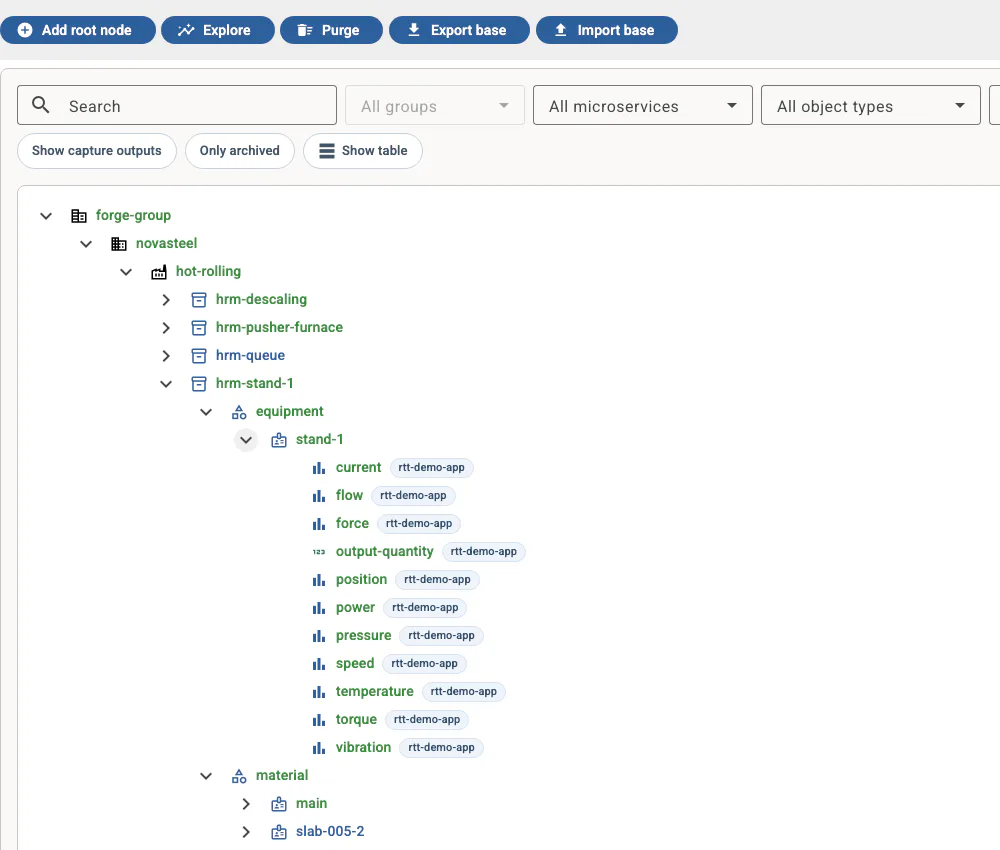
Browse equipment, material, and signals in one shared namespace.

UNS OpenHub namespace tree showing a fictional steel plant, its equipment, material, and measurement attributes
02Measurements

Inspect live values

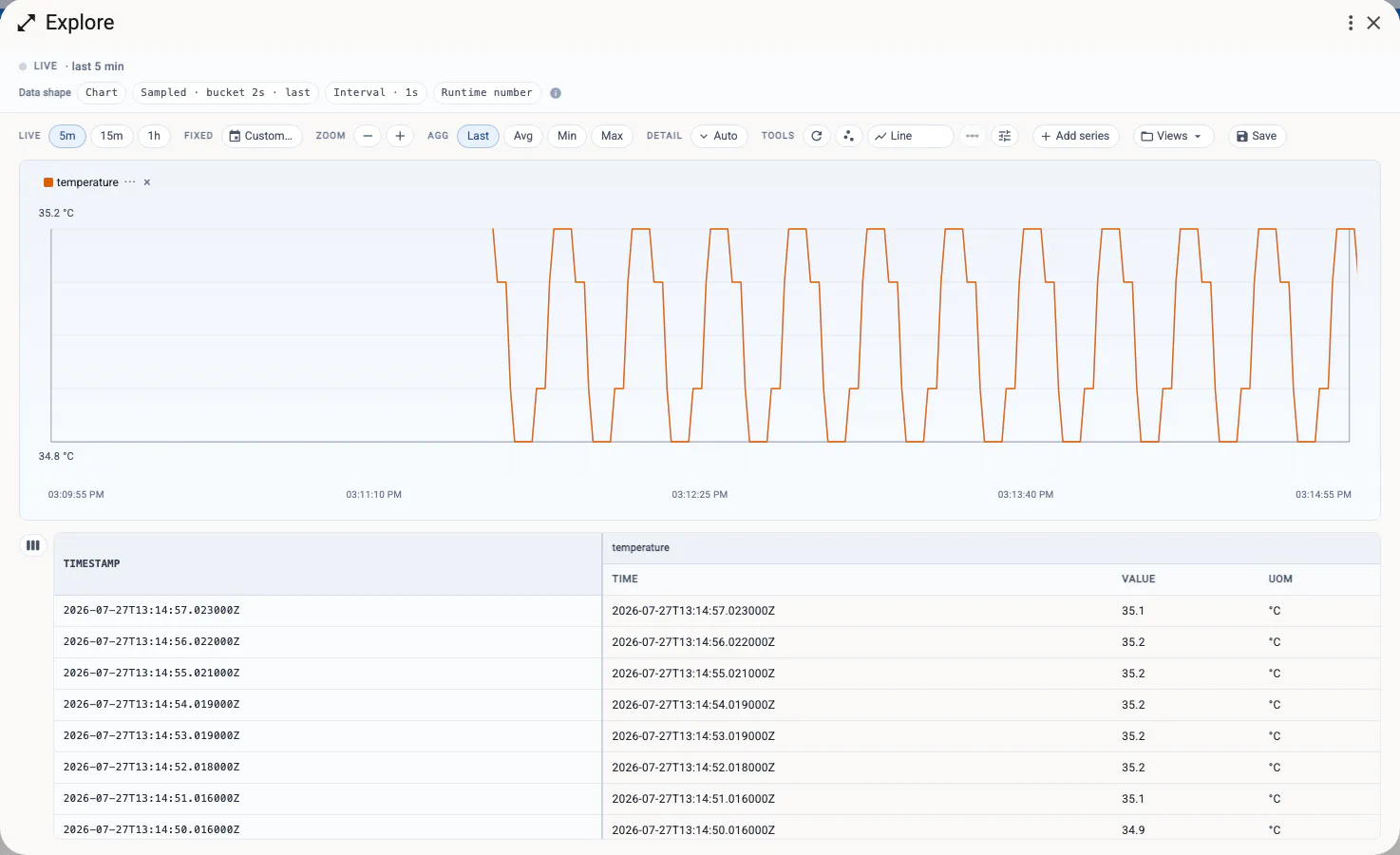
Follow live measurements and inspect timestamped values.

UNS OpenHub Explore view charting a live temperature measurement with its timestamped values
03Metadata

Curate asset metadata

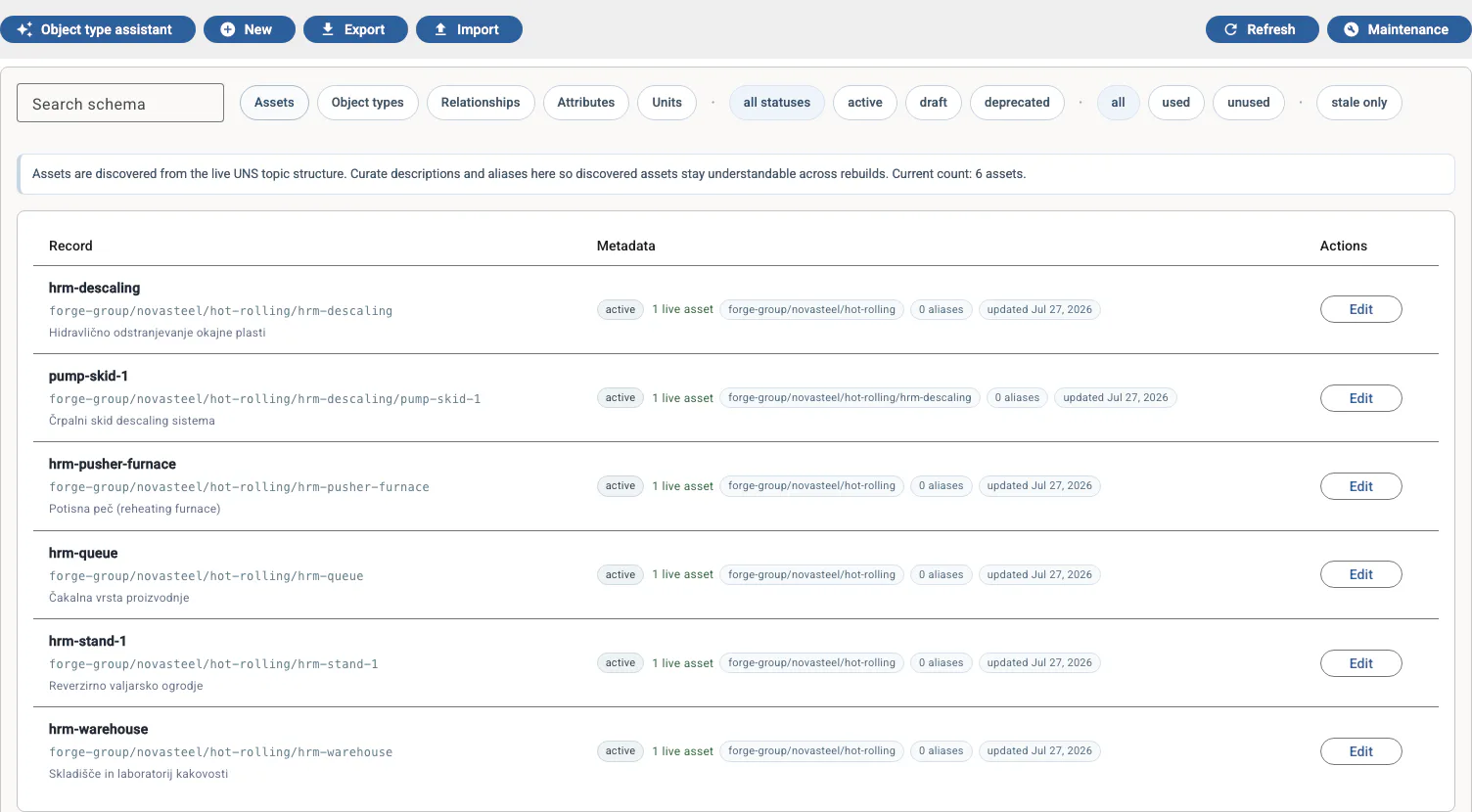
Review discovered assets and curate their descriptions and metadata.

UNS OpenHub Schema view listing discovered assets with status, namespace paths, and curated metadata

Screenshots are illustrative earlier views. Current workflow guides describe controls, component requirements and limits; video walkthroughs are available in See it in action.

See the implemented workflows

Governed context

Identity stays stable
as systems change.

UNS OpenHub separates stable identity from current placement, then connects objects with typed, time-aware relationships. The same core can carry the vocabulary of different domains.

01 · Identify

Know what it is

Keep one identity while verified namespace placements change.

02 · Navigate

See where it is now

Use the namespace to browse current operational context.

03 · Relate

Preserve how it changed

Keep typed relationships and verified history intervals beside the data, then reopen identity-based analysis after a move.

Manufacturing and Gaming are current examples of domain vocabulary built on the same generic core.

How the platform works

Latest article

Local or external AI for operational data?

The model choice matters. So does every record, document passage and tool result the assistant may send to it.

Read the article
An engineer studies a production report beside an on-site computer room, with an industrial facility and distant city visible beyond the glass.

Integration paths

Build the integration,
not just the connection.

Configure common automations in the Runtime, or turn a custom requirement into a validated service bundle. Existing edge tools can keep doing the specialist work they already do well.

In Runtime

Configure

Create Triggers for event rules and Captures for stateful, windowed data logging inside the Runtime.

In Runtime

Generate

Use the in-app Agent to turn confirmed UNS paths, data shapes, and requirements into a validated service bundle.

PUBLIC CONNECTIVITY

Connect

Use the public OPC UA and MQTT bridges, TypeScript/Python SDKs or Node-RED to connect sources. Ignition import remains a separate pilot.

The bundle carries the agreed contract into a project that a coding agent can continue from.

Explore integrations

Start locally

Give every object
a shared context.